Senior help when a GTM or RevOps system isn't doing what it should.
CRM logic, outbound tools, integrations, automations, and the AI steps in between. We fix the specific problem, explain what we changed, and leave your team able to run it, whatever CRM you're on.
For teams with someone in the seat who needs a senior second set of hands on a specific problem.
Schedule a conversationBring the problem, and we'll tell you how big a fix it is.

Most GTM tools work fine on their own. The trouble starts where they connect.
A sequencing tool that doesn't log to the CRM, routing that skips half the leads, a dashboard that disagrees with finance. These problems sit between systems, so they tend to fall between vendors too. We've rebuilt 180+ revenue systems, so we know where the seams usually break and how to fix them so they stay fixed.
Only need HubSpot help? See HubSpot technical consulting →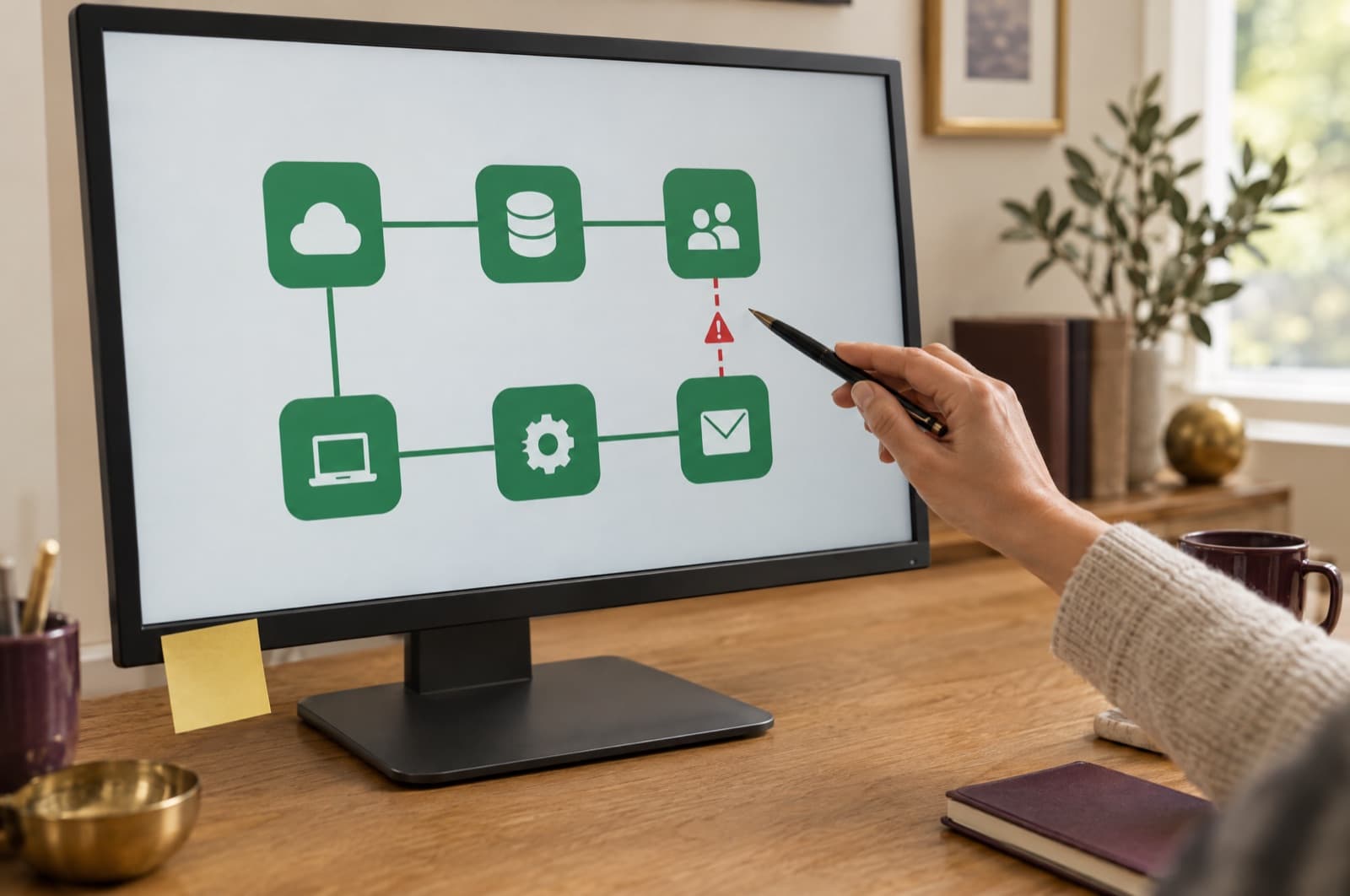
The systems we get called in for.
CRM logic and data
Pipelines, properties, routing, lead assignment, and the data model underneath, in HubSpot, Salesforce, or whatever you run.
Integrations
Your CRM connected to finance, project, and calendar tools, plus the custom code and middleware that keep them in sync.
Outbound and sales tools
Sequencing, enrichment, and sending tools like Instantly and Apollo, set up so every touch lands back in the CRM.
Automation and AI
Workflows, custom code, and AI steps that do real work, built so you can tell when one breaks.
Reporting
Dashboards and attribution that match what finance sees, built on definitions everyone agrees on.
Reviews and fixes
A second opinion on a build, a broken workflow traced to its cause, or an architecture review before you commit.
Three ways to engage.

Step 1 of 3
Hourly blocks
Targeted sessions for a specific question, a review, or troubleshooting, with direct time from a senior engineer.
ClickTap a step to read it.
The systems we work in.
Revenue systems, GTM tools, and the pieces that connect them.
CRM
- HubSpot
- Salesforce
- Pipedrive
- Zoho
- Microsoft Dynamics
Outbound and data
- Instantly
- Apollo
- FirstTouch
- NeverBounce
Finance and projects
- NetSuite
- QuickBooks
- Kantata
- Harvest
- Productive
Automation and AI
- Make
- Zapier
- HubSpot Breeze
- Claude
- ChatGPT
A fit if
- Someone on your team owns the systems day to day
- You have a specific problem, or a build you want reviewed
- Your tools work on their own but not together
- You'd rather fix it properly than patch it again
Not a fit if
- You want us to run the whole growth plan. That's our done-for-you growth work.
- Nobody on your team will own the systems after we're done
Questions people ask first.
Is this only for HubSpot?
No. We work across the systems your revenue team runs on: HubSpot, Salesforce, and other CRMs, plus outbound, finance, project, and automation tools. If you only need HubSpot help, our HubSpot technical consulting page covers that in more depth.
How do hourly blocks work?
You buy five hours for $997 and use them on whatever you need: a review, a fix, or a working session. If the problem is bigger than the block, we tell you before we start.
How is this different from having you run the growth work?
Technical consulting fixes a specific problem. When we run the growth work, we take on the whole plan from the diagnostic, measured against a baseline we lock at kickoff. Plenty of firms start here and hand us the bigger work once they see the whole picture.
Do you work with our in-house team?
Yes, that's the usual setup. We do the senior work alongside whoever owns the systems and document what we changed so they can run it.
Bring the problem that keeps coming back.
A forty-five-minute call with our Practice Lead. We'll look at what's breaking and tell you how big a fix it is.