At a Glance
HubSpot is killing legacy sandboxes March 16, 2026. Here's what RevOps teams need to do before then.
What RevOps Teams Need to Know Before March 16, 2026
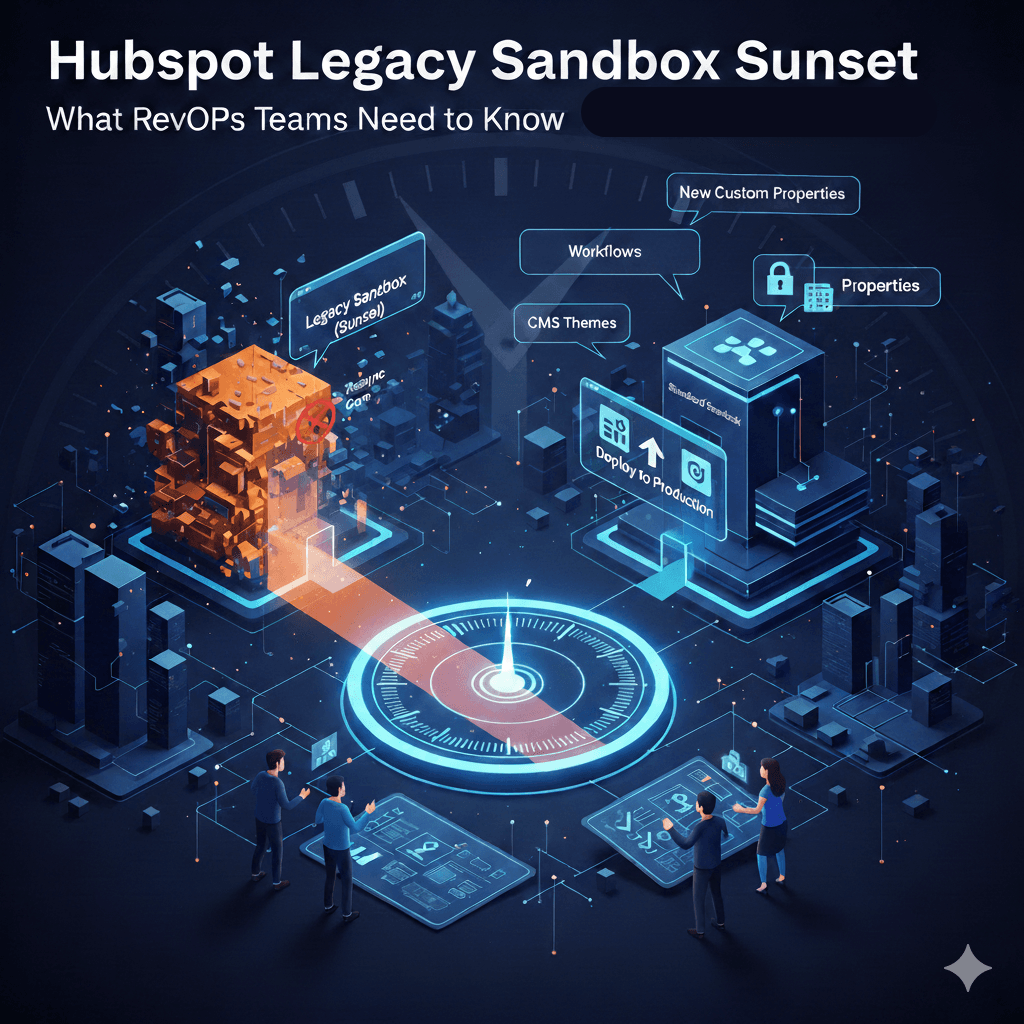
On December 15, 2025, HubSpot launched an improved Standard Sandbox with a new Deploy to Production feature. To support this upgrade, all legacy standard sandboxes will be permanently sunset on March 16, 2026. After that date, you lose access entirely. No extensions, no exceptions.
If your team relies on sandboxes for testing workflows, schema changes, or integration work, here's what you need to understand and what steps to take now.
What's Actually Changing
The new Standard Sandbox introduces three major shifts from the legacy experience.
Deploy to Production is now native. Previously, anything you built in a sandbox had to be manually recreated in production. The new sandbox includes a built-in deployment feature that pushes supported assets (schema changes, workflows, lists, forms, and automated marketing emails) directly to your live account. It includes conflict warnings, dependency awareness, and deployment logs for auditability. You can read the full details in HubSpot's official sandbox and deployment documentation.
The resync feature is gone. This is the change generating the most friction in the HubSpot community. Legacy sandboxes allowed you to sync production assets down to your sandbox to keep it current. That capability has been permanently removed. HubSpot's rationale: resync broke change tracking, caused unpredictable divergence, and made it impossible to build a reliable deploy-to-production feature. The engineering decision aligns with how platforms like Salesforce handle development environments, but it fundamentally changes how teams maintain sandbox parity with production.
The sandbox model is now "delete and recreate." When you need a fresh copy of production, you don't resync. You destroy the sandbox and build a new one. HubSpot frames this as eliminating drift and restoring a clean baseline. In practice, it means reconnecting every integration, regenerating API tokens, and re-entering webhook configurations each time you recreate. HubSpot's product team detailed the reasoning behind this shift in the Legacy Standard Sandboxes Sunset FAQ on the HubSpot Community.
What Can and Cannot Be Deployed
This is where the details matter. Only new supported assets created in the sandbox can be deployed to production. Edits to existing assets that were copied from production cannot be pushed back. That's a critical limitation. HubSpot maintains a full list of eligible assets in their knowledge base.
Assets that can be deployed:
- New custom properties (including field type, rules, and property details)
- New property groups with their associated custom properties
- New property conditional logic
- New object associations (standard-to-standard, standard-to-custom, custom-to-custom)
- New object pipelines (stage name and probability only, not pipeline rules, conditional stage properties, or automation)
- New custom objects (name, description, primary/secondary display properties)
- New workflows that rely on supported assets (deployed in "Off" state)
- New automated marketing emails
- New active and static lists using supported filter types
Assets that cannot be deployed:
- Edits to any asset that already exists in production
- Regular marketing emails, blog/RSS emails, or branded emails
- Workflows connected to unsupported asset types (e.g., feedback surveys)
- Workflow organizational settings (folders, access controls, brand labels)
- Marketing email settings tab configurations
- Pipeline rules, conditional stage properties, automation tabs, or deal tags
- CMS assets including themes, modules, and React components
- Custom object records (still require export/import with broken associations)
- Property-level manage access and sensitive data settings
The Migration Checklist
HubSpot has temporarily increased sandbox limits so you can run both legacy and new sandboxes in parallel until March 16. Here's how to approach the transition.
Step 1: Create your new Standard Sandbox. Do this now while you still have access to the legacy sandbox for reference. The creation process copies supported production assets automatically.
Step 2: Audit your legacy sandbox. Document every integration, connected app, webhook, and custom-coded workflow action. Pay special attention to private apps and their authentication tokens, public apps and their authorization scopes, workflows using webhooks or custom-coded actions, and any system that references your legacy sandbox's portal ID.
Step 3: Reconnect integrations in the new sandbox. Each sandbox gets a unique portal ID. You'll need to generate new API credentials, update external systems referencing the old sandbox ID, reconnect private apps with new tokens (HubSpot developer docs for private apps), reauthorize public apps (HubSpot developer docs for OAuth), and re-enter webhook endpoints and authentication details.
Step 4: Handle CRM data. The new sandbox copies your 5,000 most recently updated contacts and up to 100 associated deals, companies, and tickets per contact during creation. You can manually import up to 200,000 records per object type afterward. Custom object records require a workaround: create an "External Record ID" custom property in production, use a workflow to copy record IDs into that property, then use external IDs to upsert records in the sandbox.
Step 5: Validate everything. Compare your new sandbox against your legacy sandbox or your requirements documentation. Test data flows, authentication, and integration behavior before cutting over.
Step 6: Delete the legacy sandbox. Once validated, delete it. Your temporary sandbox limit increase will be removed.
What the HubSpot Community Is Saying
The Deploy to Production feature is broadly welcomed. The removal of production-to-sandbox sync is not.
The core frustration: in real-world operations, production environments change constantly. Multiple departments, external vendors, and partner agencies all make changes directly in production. Without the ability to pull those changes down to a sandbox, the sandbox immediately drifts out of sync. The only remedy is full recreation, which means tearing down and rebuilding integrations every time.
Several community members and HubSpot partners have flagged specific pain points in the community discussion thread. The deploy feature only supports new assets, not edits to existing ones, which limits its utility for iterative development. CMS assets like themes and custom modules are not supported, leaving front-end testing workflows incomplete. Marketplace theme licenses don't transfer to new sandboxes, potentially requiring repurchase. Only Super Admins can deploy to production, creating bottlenecks for teams working with third-party vendors who can't be granted that level of access. The contact limit in sandboxes (200,000 records maximum) makes realistic integration load testing impossible.
HubSpot's product team has acknowledged the feedback and indicated that additional asset types are on the roadmap. They've also offered to schedule calls with users to discuss which assets should be prioritized next.
Governance Framework for the New Model
Since sandboxes are now disposable by design, HubSpot recommends implementing lightweight governance practices. Define clear criteria for when a sandbox should be recreated rather than continuing to use an existing one. Assign ownership so it's clear who manages sandbox creation, deletion, and deployment. Keep sandboxes purpose-driven, using one sandbox per initiative rather than a long-lived catch-all environment. Deploy intentionally rather than reactively, and document your deployment decisions.
For teams with developer resources, HubSpot's REST APIs offer a partial workaround for the resync gap. You can export CRM configuration (properties, pipelines, associations) to a git repository and restore it when recreating a sandbox. However, forms, lists with complex filter logic, marketing email templates, and workflow organizational settings cannot be exported via API. The December 2025 Developer Rollup covers the full technical scope of these changes.
What This Means for RevOps Teams
If your organization runs a straightforward HubSpot setup with standard objects, basic workflows, and no heavy integrations, this transition is minimal. Create the new sandbox, verify it looks right, delete the old one.
If you manage a complex environment with connected apps, custom-coded workflow actions, webhook-based integrations, or CMS development, plan for a more significant migration effort. The reconnection work for integrations is consistently cited as the most underestimated time investment.
The strategic takeaway: HubSpot is moving toward a one-way deployment model (sandbox to production only) that mirrors enterprise development practices. It's a more disciplined approach, but it demands stronger governance and more intentional sandbox management than most HubSpot teams have historically practiced.
The deadline is March 16, 2026. If you haven't started, the best time is now, while you still have parallel access to both environments.
MergeYourData is a HubSpot Platinum Partner specializing in RevOps consulting for mid-market B2B companies. If you need help navigating the sandbox migration or implementing governance frameworks for your HubSpot environment, get in touch.